Team & account
Usage and quotas
How ErrorLens counts events, what the free hosted plan includes, what happens at the monthly limit, rate limits, and how to reduce event volume.
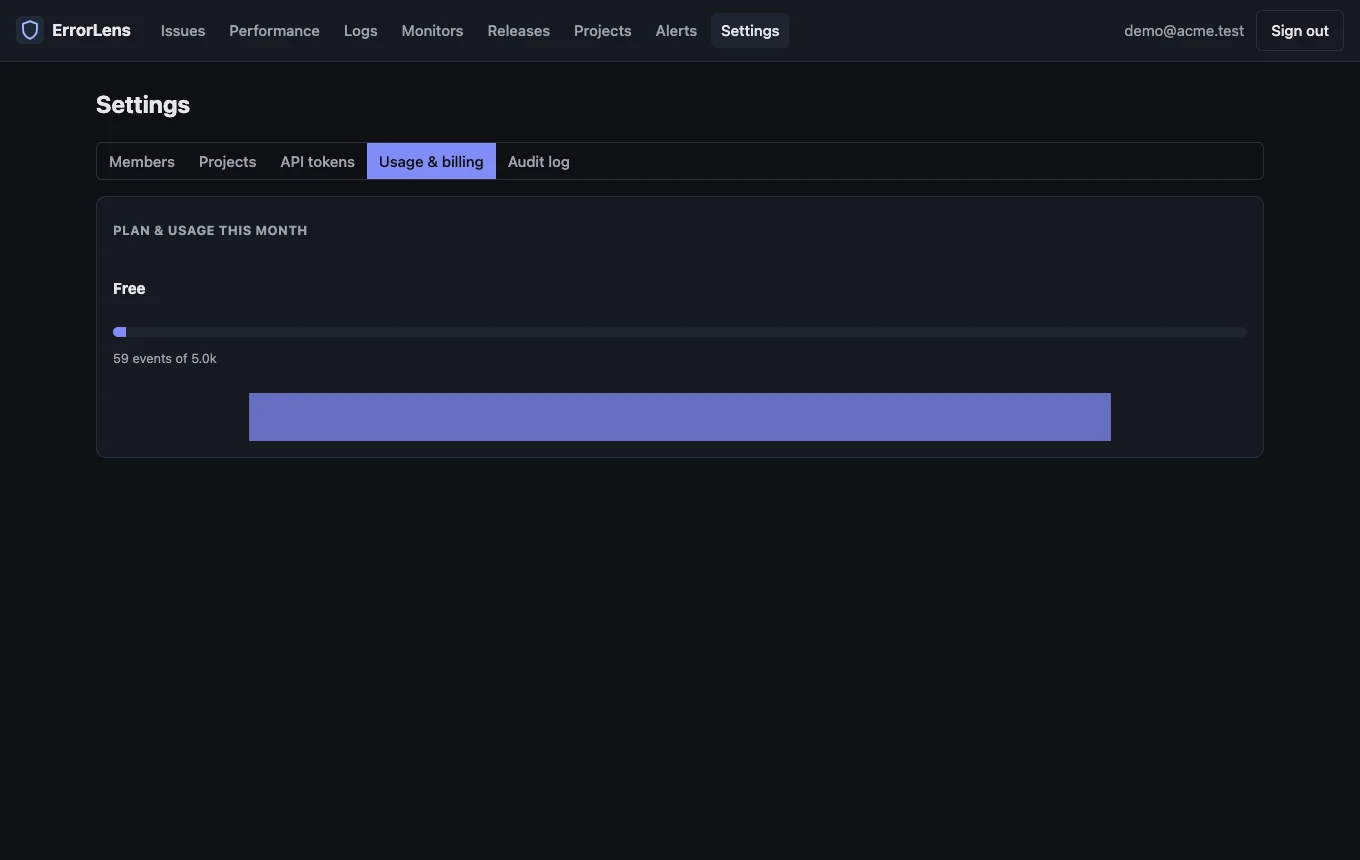
Owners can see their organization's usage under Settings → Usage & billing.
What counts
| Data | Counts toward the quota |
|---|---|
| Error events (exceptions and messages) | Yes — one each |
| Performance transactions | No |
| Log lines | No — shown in usage only |
| Cron check-ins and uptime checks | No |
| Events dropped by rate limits | No |
Usage resets on the first day of each month (UTC).
Plans
| Plan | Monthly error events | Price |
|---|---|---|
| Free | 5,000 | $0 |
| Self-hosted | Unlimited | $0 |
Paid plans with higher quotas are coming. If you need more now, email [email protected].
At the limit
When the quota is reached, ErrorLens rejects further error events until the month ends. SDKs receive 429 Too Many Requests with a one-hour Retry-After, so they stop sending instead of retrying constantly. Nothing already stored is affected, and performance data and logs keep arriving.
To make the quota go further:
- Drop noise in the SDK with
before_send— health checks, expected 404s, bots. - Ignore issues you don't intend to fix; ignored issues still count, so filter their source in the SDK if they are frequent.
- Use a sample rate on very high-volume services:
sample_rate=0.25(Python) orsampleRate: 0.25(JavaScript) sends one error in four.
Rate limits
Separately from the monthly quota, each DSN key accepts bursts of up to 1,000 events, refilling at 100 per second, to protect the service from runaway loops. See Other languages.